Home Office Organisation
Best Desk Organizers for Home Office (2026)
Best Desk Organizers for Home Office (2026) article.
The best desk organizers for a home office are the ones that reduce visual clutter, shorten setup time, and make daily work easier. For most people, that means a mix of vertical file storage, drawer trays, cable management, and one simple desktop catch-all, not a dozen matching containers that steal space.
Last updated: April 2026
Table of Contents
- How I Chose the Best Desk Organizers
- What Makes a Desk Organizer Worth Buying
- Best Desk Organizers by Type
- Comparison Table
- Best Setups for Different Home Offices
- How to Organize Your Desk Without Overbuying
- Mistakes That Make Desk Organization Worse
- Desk Organizer FAQs
- Sources and Methodology
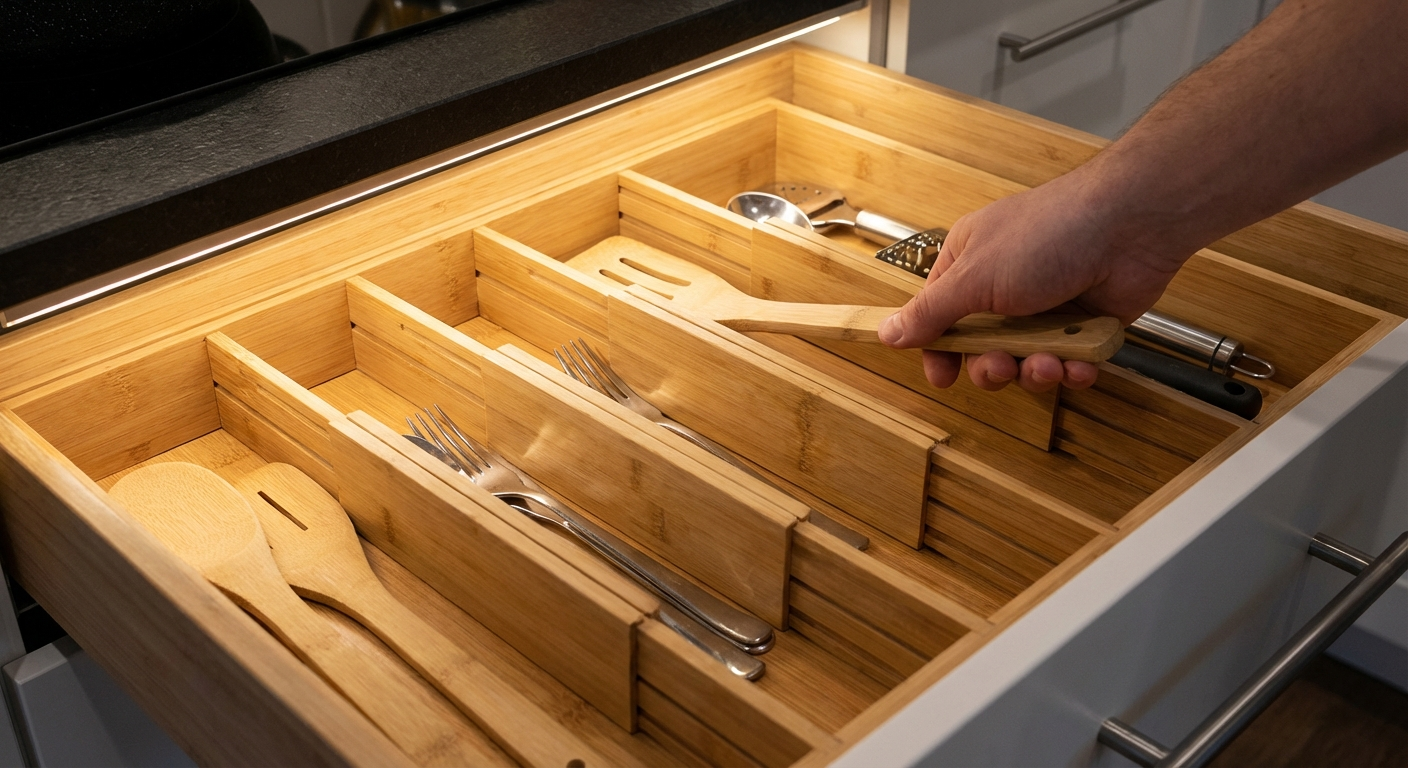
How I Chose the Best Desk Organizers
A desk organizer should do one of four things well: hold paper, contain small tools, hide clutter, or reduce friction. If it does not solve one of those problems, it is probably decoration wearing a productivity costume.
I used the same criteria I use when helping clients reset crowded workspaces at home. First, the organizer had to fit a real use case, not an idealized Pinterest desk that never sees paperwork. Second, it had to earn the space it occupies. Third, it had to stay useful after the first week, when the excitement of a fresh setup fades and real-life habits return.
The products and categories below are based on what works repeatedly in actual home offices: spare bedrooms, dining table workstations, compact apartment desks, and shared family spaces where paperwork, chargers, notebooks, and random household overflow constantly creep in.
If your desk feels chaotic right now, do not start by buying five containers. Start by understanding what clutter shows up on your desk every day. Usually it falls into a few predictable groups:
- Paper that needs action
- Tools you use several times a day
- Cables and chargers
- Personal items with no home
- Backup supplies that should live elsewhere
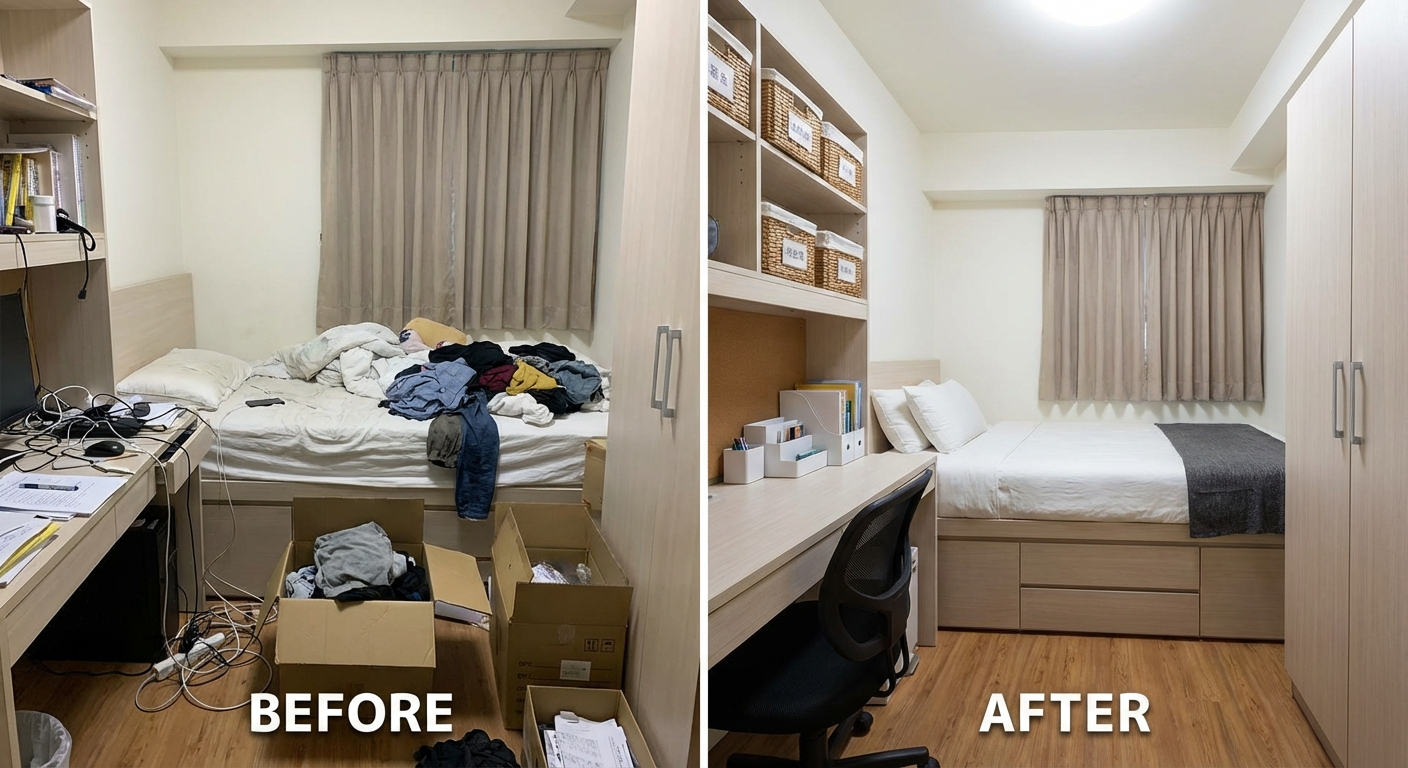
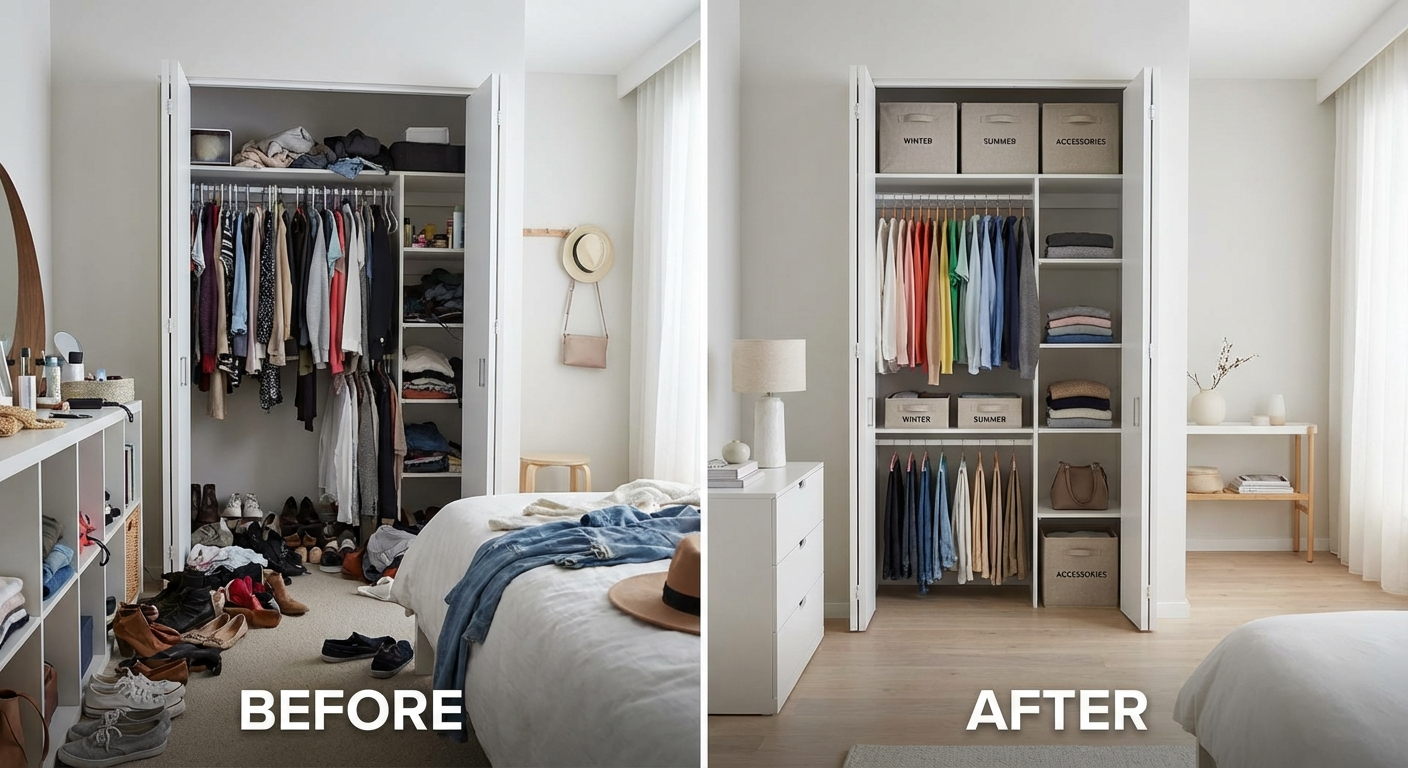
That is why good desk organization pairs nicely with a broader reset. If your whole room feels crowded, start with our guide on how to declutter your home fast before adding more storage. If your workspace is squeezed into a multipurpose room, our tips on how to organise a small bedroom and best closet organiser systems can help free up overflow storage so your desk is not carrying the whole room.
For one useful cross-network example, posture and desk comfort matter too. If you work long hours and keep too many items within arm's reach, you often end up twisting or hunching more than necessary. That is why a cleaner reach zone pairs well with ergonomic seating guidance like this guide to best office chairs for sciatica, especially if long work sessions leave you stiff or sore.
What Makes a Desk Organizer Worth Buying
1. It solves a specific problem
The best organizer is not the prettiest one. It is the one that solves the clutter you already have. A vertical file holder is great if paper keeps spreading across your desk. It is useless if your real problem is cables, sticky notes, and charging blocks.
2. It protects desk space
Desktop real estate is valuable. Anything bulky has to justify itself. This is why monitor risers with storage, slim letter trays, and shallow pen caddies often outperform oversized all-in-one desk stations. Bigger is rarely better.
3. It matches frequency of use
Items you reach for several times a day should be easy to access. Everything else can move into drawers, shelves, or nearby storage. This principle matters more than the organizer material, style, or brand.
4. It is easy to maintain
If a system takes too long to reset, it will fail. The best organizers let you tidy up in under a minute. Open-top bins, clearly divided drawers, and labelled drop zones work because they reduce decision fatigue.
5. It works with your workflow
A student, a full-time remote worker, and a crafter running an Etsy shop do not need the same setup. If you print contracts all day, paper storage matters more. If you spend most of your time on video calls, cable and surface control matter more. If you handle craft tools, modular drawer storage probably matters most.
Best Desk Organizers by Type
Best for Paper: Vertical File Organizer
A vertical file organizer is one of the fastest ways to calm a messy desk because loose paper tends to spread outward. Once paper spreads, everything else follows. Bills, printouts, shipping labels, school forms, and meeting notes quickly create visual noise.
A good vertical file organizer creates clear categories such as:
- To do
- To file
- To sign
- To recycle
This is especially useful if your desk doubles as a household admin zone. I prefer open vertical slots over stacked paper trays for active paperwork because you can see the categories immediately. Stacked trays often turn into mystery piles.
Best for:
- Hybrid work desks
- Family admin stations
- People who handle printed paperwork weekly
What to look for:
- 3 to 5 slots only
- Stable metal or bamboo frame
- Enough depth for full-size paper folders
- Non-slip feet
Best for Small Tools: Rotating Desktop Caddy
Pens, scissors, sticky notes, highlighters, USB drives, stamps, and charging adaptors create the kind of micro-clutter that makes a desk feel constantly unfinished. A rotating caddy or segmented holder keeps these grab-and-go items visible without letting them scatter.
The key is restraint. If you buy a caddy with twelve sections, you will fill all twelve. For most home offices, four to six compartments are enough.
Best for:
- Shared desks
- Study desks
- Anyone who loses small tools repeatedly
What to look for:
- Weighted base
- 4 to 6 compartments
- Smooth rotation if lazy-susan style
- Easy-clean interior
Best for Hidden Storage: Shallow Drawer Organizer Trays
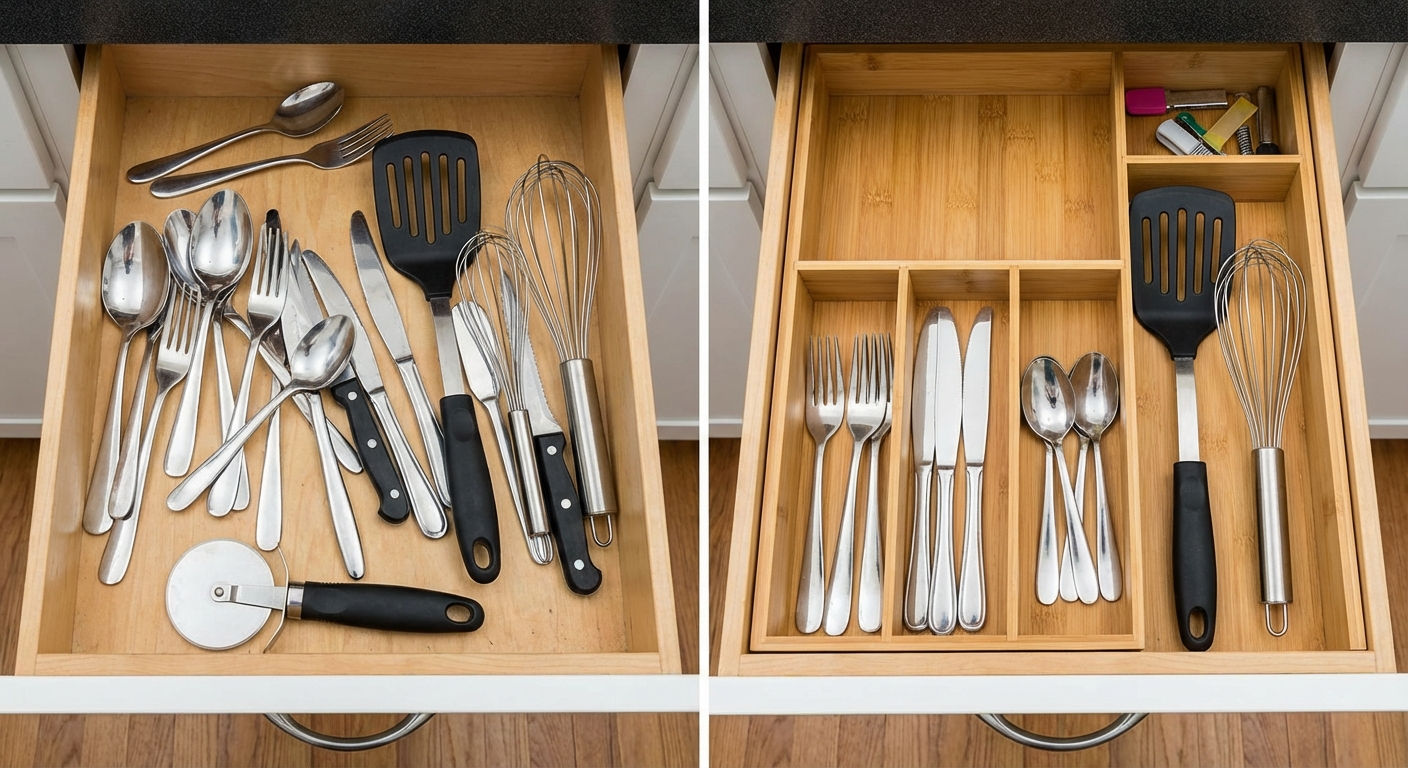
Drawer trays are where many good desk systems become great. They get the visual clutter off the desktop while keeping daily items within easy reach. For pens, clips, batteries, cords, note flags, and calculators, shallow divided trays beat deep bins every time because you can see everything at once.
This is why bamboo drawer dividers are still one of the most reliable buys for a home office. They help define zones without wasting vertical space.
Best for:
- Desks with at least one shallow drawer
- People who want a cleaner visual setup for video calls
- Workspaces in bedrooms or living rooms
What to look for:
- Low-profile shape
- Adjustable or modular inserts
- Non-slip base
- Enough width for chargers and cables
Best for Cable Chaos: Cable Box and Cable Clips
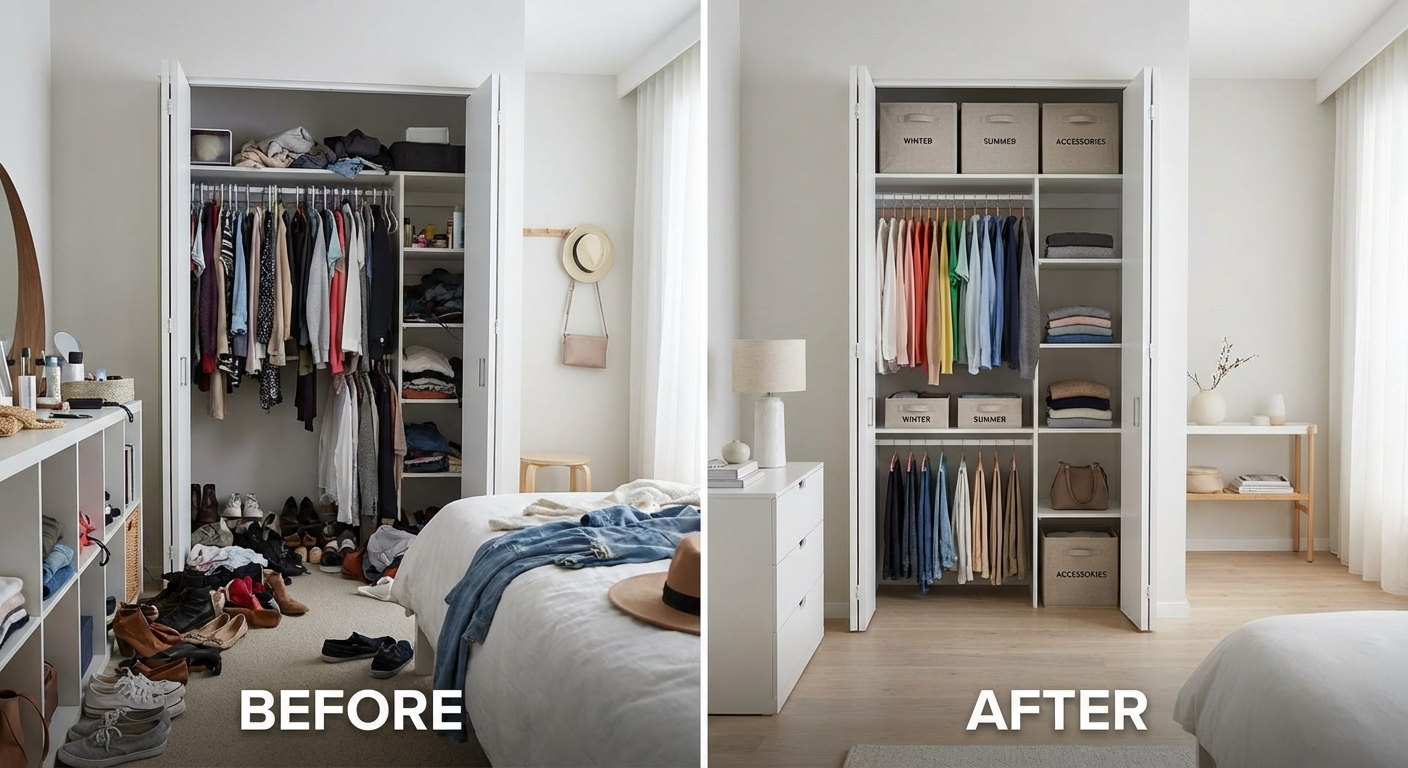
If your desk always looks messy no matter how many containers you add, cable clutter may be the real problem. Charging bricks, extension boards, monitor wires, and USB hubs create a visual mess even when the rest of the desk is tidy.
A simple cable box under or beside the desk plus adhesive cable clips along the desk edge is often enough. You do not need an expensive system. You need cables routed with intention.
Best for:
- Laptop plus monitor setups
- Standing desks
- Shared family desks with multiple chargers
What to look for:
- Enough room for a power strip
- Ventilation if storing adapters
- Wide openings for multiple cords
- Neutral finish that disappears visually
Best for Extra Storage Without Losing Space: Monitor Riser With Shelf
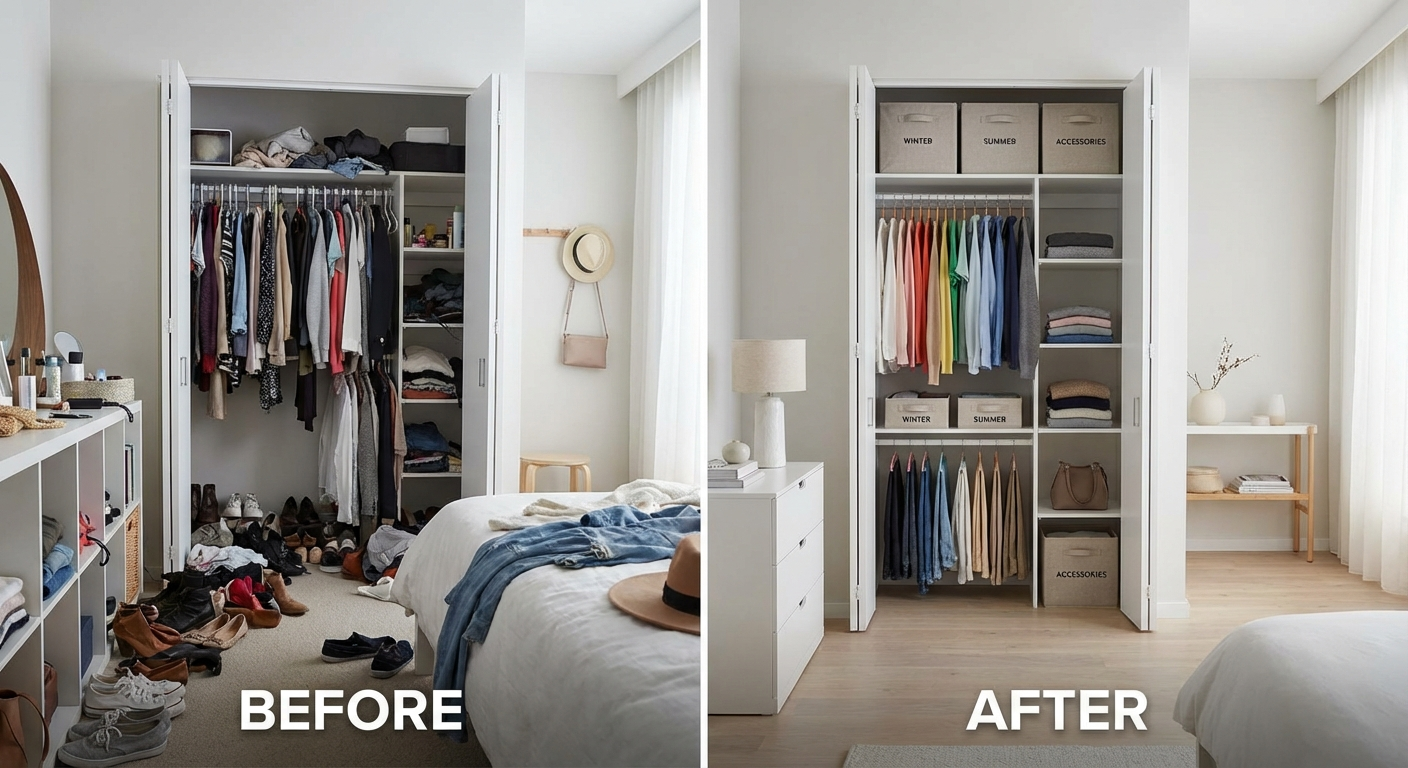
A monitor riser earns its place when it improves both ergonomics and storage. The space underneath can hold a keyboard, notebook, docking station, or active paper tray. For small home offices, this is one of the best ways to add storage without actually increasing the desk footprint.
Best for:
- Single-monitor home offices
- Compact desks
- Anyone trying to make a desk look visually lighter
What to look for:
- Stable platform
- Clearance high enough for keyboard or notebook storage
- Surface wide enough for your monitor base
- Finish that matches your desk, not fights it
Best for Overflow Supplies: Stackable Mini Drawer Unit
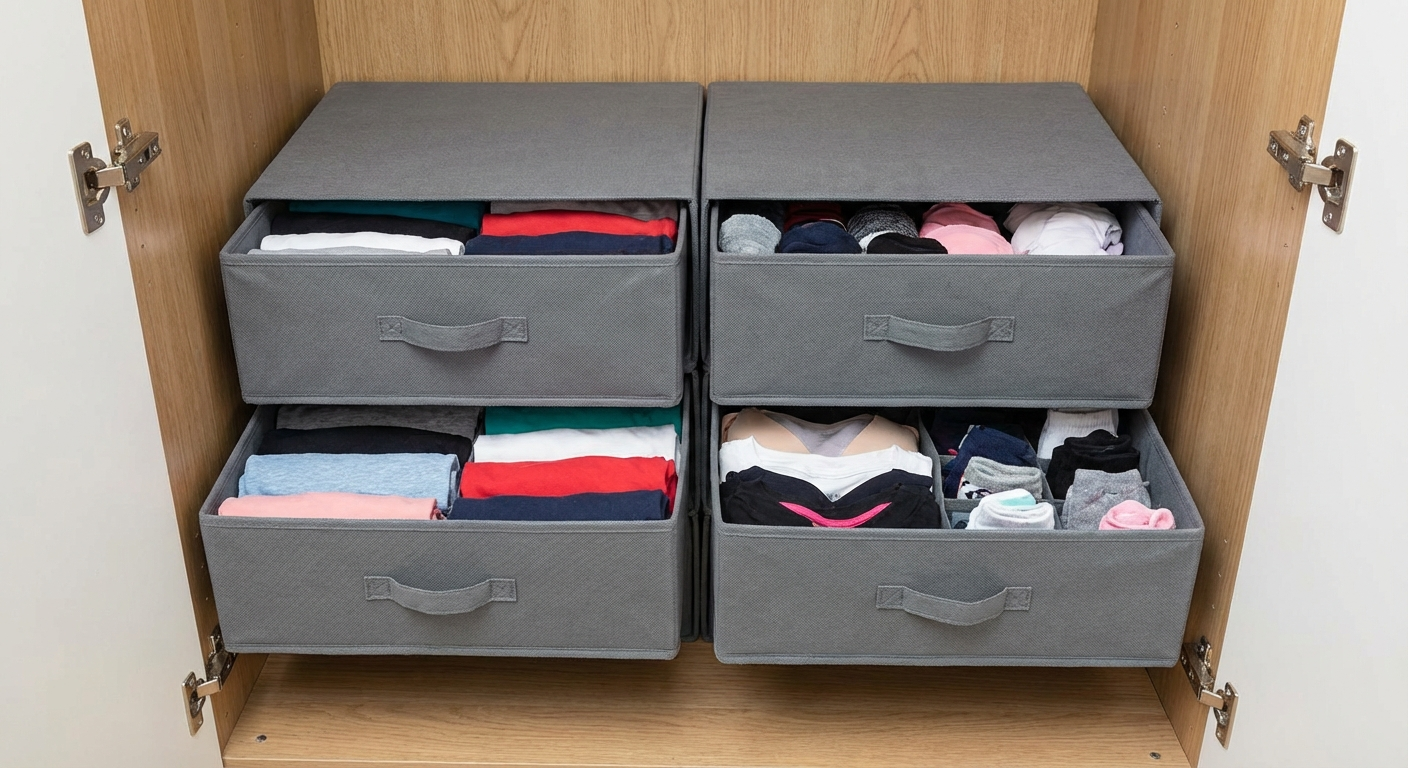
Every desk has low-frequency supplies that still need to stay close: spare pens, labels, batteries, stapler refills, envelopes, charging cables, and printer ink. A compact stackable drawer unit next to or under the desk prevents these items from invading your primary work zone.
Best for:
- Home offices without built-in drawers
- Craft-heavy desks
- Admin-heavy setups with lots of small supplies
What to look for:
- Smooth-open drawers
- Labels or clear fronts
- Stackable footprint
- Enough depth for A5 notebooks and accessories
Best for Books and Notebooks: Bookend or Magazine Holder Pair
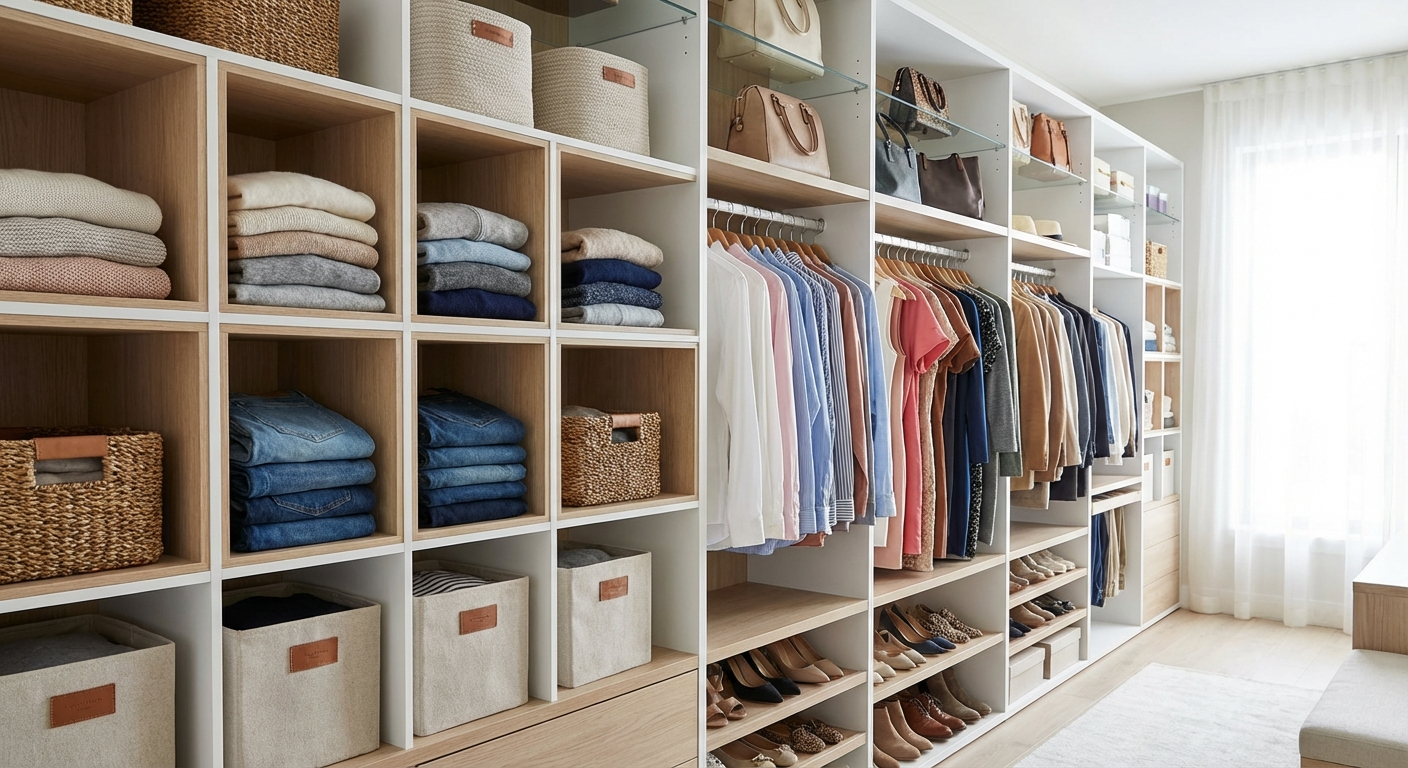
If books and notebooks lie flat in piles, they immediately make a desk feel busier. Upright storage with simple bookends or magazine holders reduces the visual footprint and makes it easier to grab the one thing you need.
Best for:
- Writers, students, coaches, and planners
- Desks with recurring notebook use
- Anyone who keeps reference materials nearby
What to look for:
- Non-slip base
- Durable metal or bamboo
- Enough width for hardcovers and planners
- Consistent height for a cleaner look
Best for Daily Carry Items: Catch-All Tray
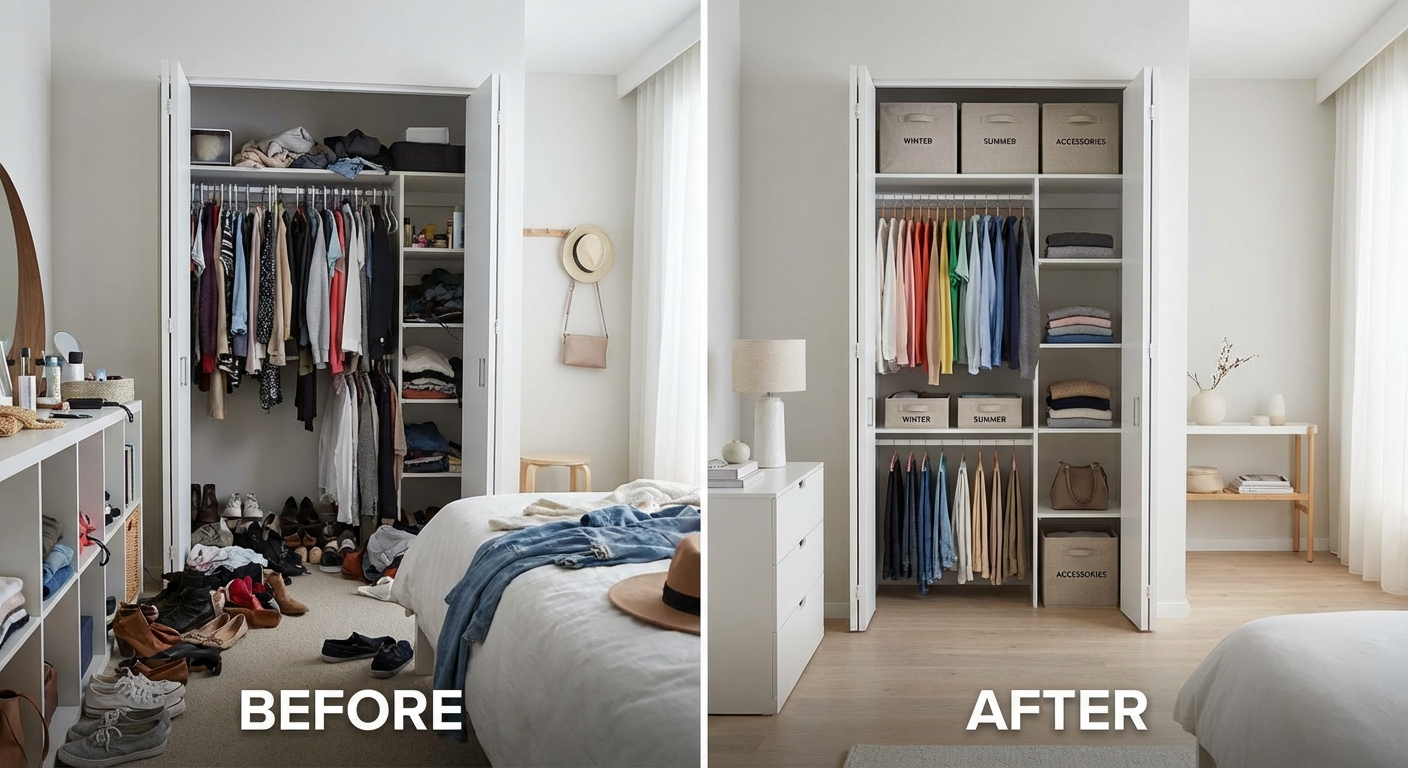
A catch-all tray sounds basic, but it prevents one of the most common desk problems: random objects with no assigned landing zone. Glasses, earbuds, keys, wallet, lip balm, receipts, and loose notes are not office supplies, but they often land on the desk anyway.
One small tray near the edge of the desk contains these transitional items. The trick is keeping it small. A large tray becomes a junk drawer without walls.
Best for:
- Entry-adjacent desks
- Bedroom workstations
- Anyone whose desk collects non-work items
What to look for:
- Shallow profile
- Easy-clean surface
- One-compartment design
- Attractive enough to stay visible
Comparison Table
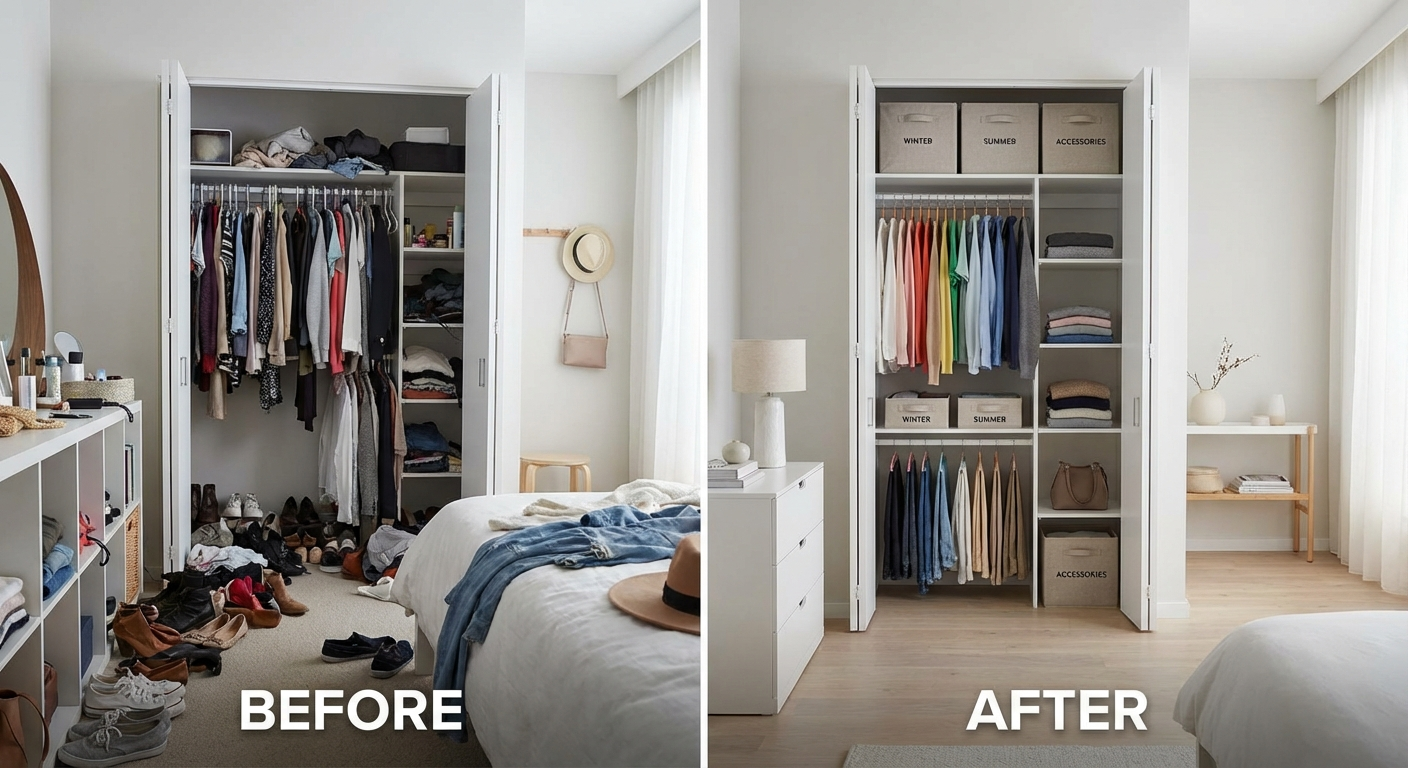
| Organizer Type | Best Use | Takes Desk Space? | Best For Small Desks? | Typical Price | My Verdict |
|---|---|---|---|---|---|
| Vertical file organizer | Paper control | Medium | Yes | $15 to $35 | Essential if paper is your problem |
| Rotating caddy | Small tools | Low | Yes | $10 to $25 | Great for daily tools |
| Drawer trays | Hidden small-item storage | None on surface | Yes | $12 to $30 | Highest-value upgrade |
| Cable box + clips | Cable control | Low | Yes | $15 to $30 | Best visual cleanup |
| Monitor riser with shelf | Ergonomics + storage | Medium | Sometimes | $25 to $60 | Excellent if monitor-based |
| Mini drawer unit | Supply overflow | Medium | Sometimes | $20 to $45 | Useful when desk lacks drawers |
| Bookends or holders | Notebook storage | Low | Yes | $12 to $25 | Simple but effective |
| Catch-all tray | Everyday carry items | Low | Yes | $10 to $20 | Worth it if your desk collects random items |
If you are building from scratch, start with drawer trays, a cable solution, and either a vertical file holder or monitor riser, depending on whether your clutter is mostly paper or mostly tools.
For more whole-room storage support, our roundup of best home organisation products covers broader solutions beyond the desk, while small-space organisation ideas can help if the real issue is that your workspace is doing too many jobs in one room.
Best Setups for Different Home Offices
Best setup for a tiny apartment desk
Use a monitor riser, one narrow pen cup, one vertical file holder, and cable clips. Avoid anything wide, tiered, or decorative. In small spaces, vertical storage wins.
Best setup for a shared family workspace
Use labelled paper slots, one drawer tray per person, and a catch-all tray for family overflow. Shared spaces fail when ownership is unclear, so labels matter more here than they do in solo workspaces.
Best setup for a creative or craft-heavy desk
Use modular mini drawers plus one open desktop caddy. Keep active tools visible, but move backup stock and materials off the main work surface whenever possible.
Best setup for a video-call-heavy remote worker
Use hidden storage wherever possible. Drawer trays, cable boxes, and a monitor riser usually produce the cleanest on-camera background and reduce the visual stress of seeing clutter all day.
How to Organize Your Desk Without Overbuying
Step 1: Clear the desk completely
Do not organize around clutter. Remove everything first so you can see the true problem.
Step 2: Group by function
Sort into categories:
- Paper
- Tech and cables
- Writing tools
- Personal items
- Backup supplies
- Belongs elsewhere
Step 3: Identify daily-use items
Only daily-use items deserve top-tier desk access. Weekly-use items can move into drawers or nearby shelving. Rare-use items should leave the desk zone entirely.
Step 4: Add organizers last
This is the mistake most people make. They shop first, then try to force their items into whatever they bought. Instead, define the categories first, then choose the smallest organizers that solve those categories cleanly.
Step 5: Build a 60-second reset
Your setup should be easy to restore at the end of the day. If everything has a clear home and the homes are easy to reach, tidying becomes almost automatic.
Mistakes That Make Desk Organization Worse
Buying matching organizers before measuring
A uniform set can look great online and fit terribly in real life. Always measure desk depth, drawer dimensions, and monitor clearance first.
Using too many containers
Too many organizers create visual clutter of their own. Most desks need fewer categories, not more.
Letting paper stay unsorted
Paper piles become desk clutter faster than almost anything else. If paper is on your desk, give it a category immediately.
Treating the desk as household overflow
If batteries, unopened mail, random receipts, beauty items, or kitchen odds and ends keep landing on your desk, the real fix is a better home elsewhere, not a bigger desk organizer.
Ignoring ergonomics
If you store items in a way that forces twisting, reaching, or hunching, the system will feel annoying to use and eventually fail. A tidy desk should also be comfortable.
Relying on one giant organizer
Oversized all-in-one organizers often become clutter magnets. Smaller, task-based tools usually work better.
Skipping labels in shared spaces
In shared home offices, unlabeled systems usually collapse quickly because no one knows what belongs where.
Desk Organizer FAQs
What is the best type of desk organizer for a small home office?
For most small home offices, start with drawer trays, cable clips, and one vertical organizer. These solve the most common clutter categories without taking over the work surface.
Should I keep pens and stationery on the desk?
Yes, but only the tools you use daily. Extra stock should move into a drawer or mini storage unit.
Are monitor risers worth it for organization?
Often, yes. They add storage space while also improving screen height, which can make them one of the most efficient home office upgrades.
How do I stop paper from taking over my desk?
Use a vertical file holder with clear action categories and process paper daily or at least weekly. Loose paper multiplies quickly.
What if I do not have any drawers?
Use a slim drawer unit beside the desk, a monitor riser, and one small caddy. You can create zones even without built-in storage.
Are bamboo desk organizers better than plastic?
For visible desktop pieces, bamboo often looks better and feels sturdier. For hidden storage, plastic can be more affordable and easier to wipe clean.
Sources and Methodology
This guide is based on practical home organizing principles, ergonomics guidance, and real-world workflow design rather than trend-driven desk styling. I prioritised organizers that reduce clutter, improve access, and can be maintained in under a minute.
Sources referenced:
- National Institute for Occupational Safety and Health (NIOSH), office ergonomics guidance.
- Cornell University Ergonomics Web, workstation setup recommendations.
- Princeton University Neuroscience Institute, visual clutter and attention research.
- Harvard Health Publishing, productivity and workspace environment insights.
- Environmental Protection Agency guidance on indoor work environments and home office practices.
- UC Davis ergonomics resources for computer workstation setup.
Author
Jessica Park is a professional home organiser who helps remote workers and families create calm, functional spaces that are easy to maintain. Her approach focuses on reducing friction, improving visibility, and building systems that keep working after the first tidy-up.